pppdf - Pen&Paper Pdf Viewer
A downloadable app for Windows
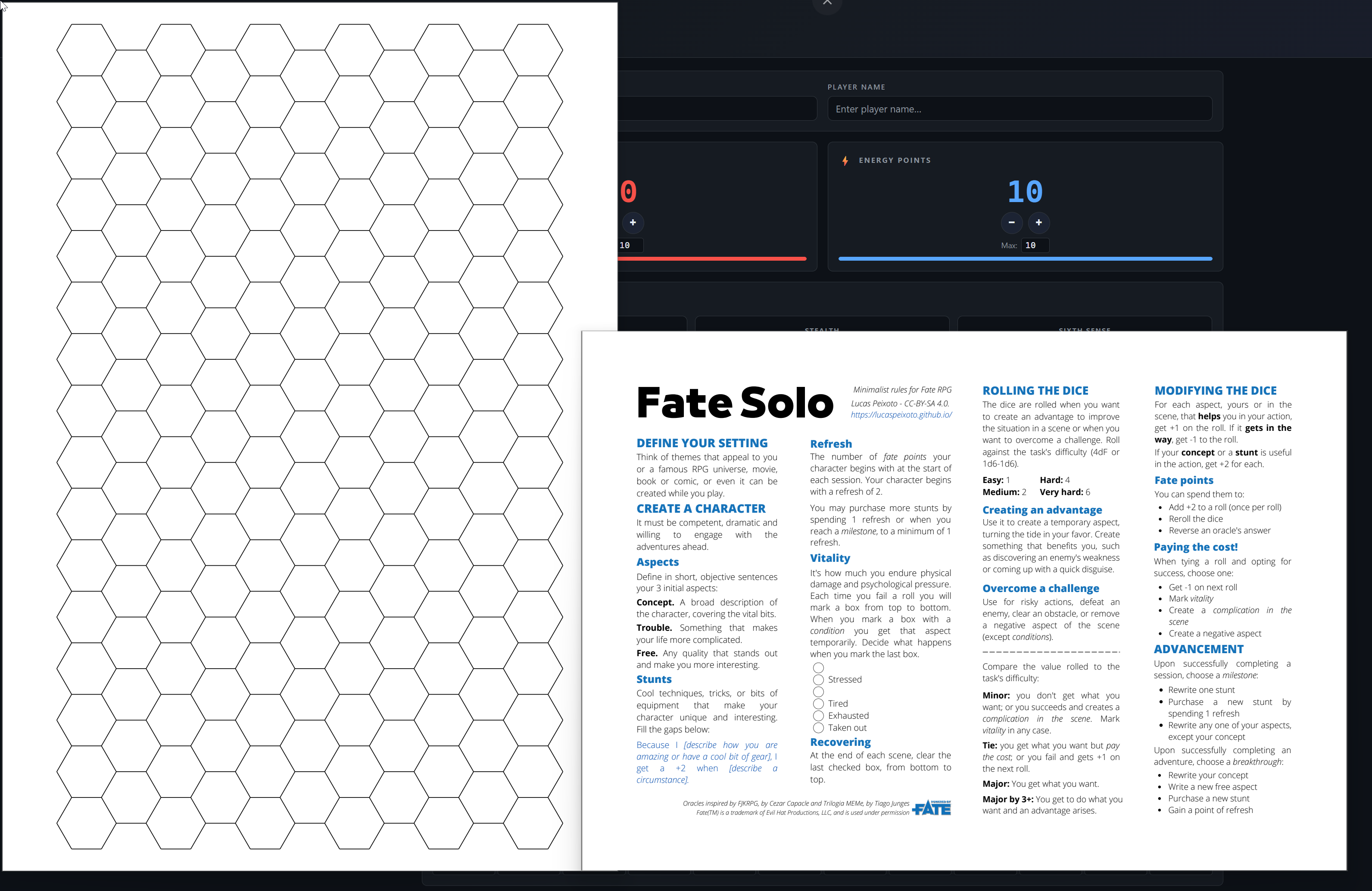
pppdf is a borderless, native PDF viewer built for pen & paper RPG sessions. No title bar, no toolbars, no browser chrome — just your rulebook, character sheet, or map filling the window.
Features
- Fully borderless — drag anywhere to move, drag near an edge to resize. Aero Snap and fill-screen (F11) both work.
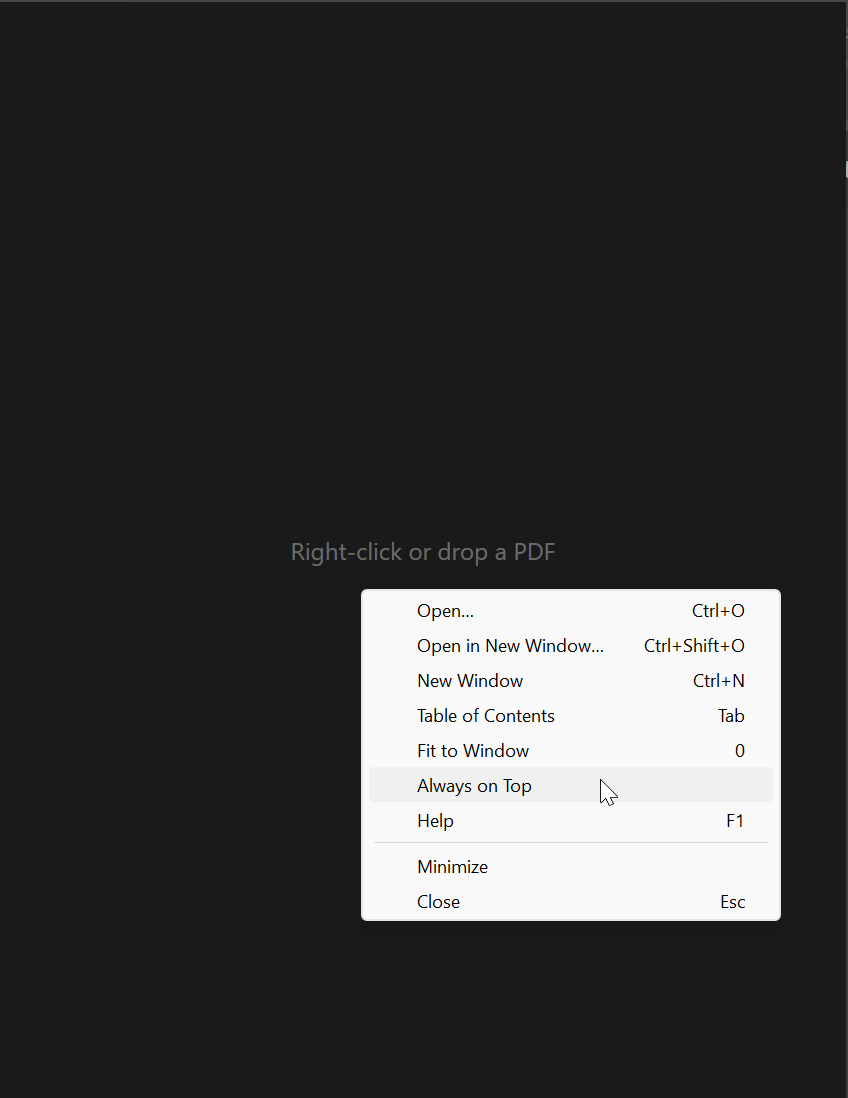
- Always on Top — pin a window above your VTT or video call from the right-click menu.
- Fit-to-window by default, with cursor-anchored zoom (Ctrl+wheel), drag-to-pan, and double-click to reset.
- Rotation — press R to turn the page 90° at a time, rendered crisply at the fitted size.
- Links and table of contents — in-document links plus a TOC overlay (Tab), straight from the PDF outline.
- Go to page — press G, type a number, Enter.
- Page history — step back to where you were and forward again
- Full text search — as you're used to it
- Multiple windows — open each PDF in its own window (Ctrl+N / Ctrl+Shift+O). Every document is a separate process, so one bad PDF can never stall another.
- Built-in help — F1 shows the full input reference.
- Lightweight — one self-contained ~8 MB exe. Nothing installed, nothing persisted.
A note on Windows SmartScreen: pppdf is not code-signed. I'm a hobby developer, and a code-signing certificate costs more than this small, free tool can justify. Because of that, Windows may show a blue "Windows protected your PC" screen when you run the installer. This is expected for unsigned apps from independent developers — to install, click "More info", then "Run anyway".
Download
Click download now to get access to the following files:
Development log